JustFavs Emoji Keyboard

Stop scrolling for the same emojis.

JustFavs shows only the emojis you actually use. Everything else stays hidden, never deleted, and always one search away.

Coming soon to the App Store
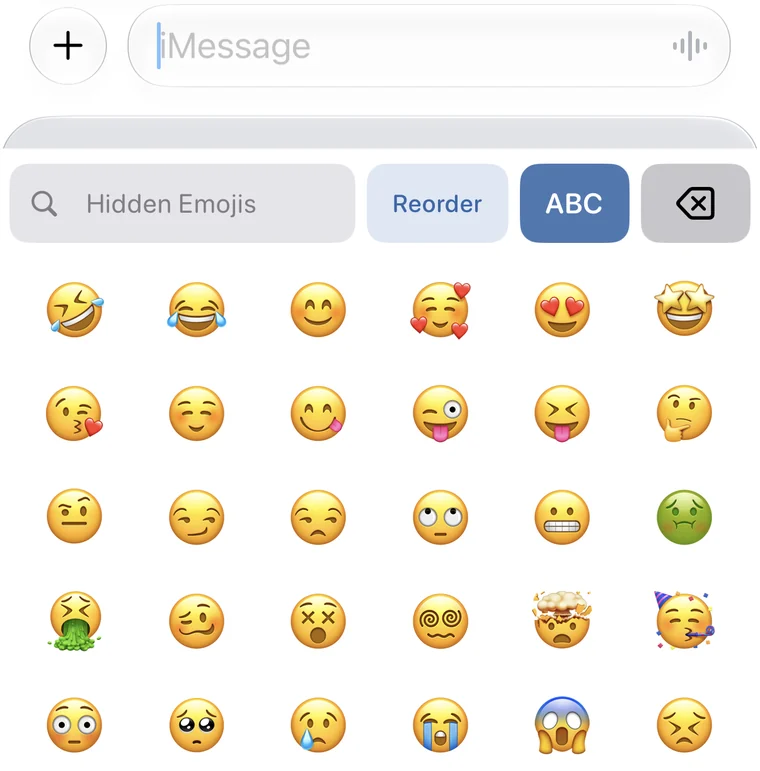
The JustFavs emoji keyboard showing only your favorite emojis
01

Pick your favorites.
Hide the rest.

Go through the full emoji set once and tap the ones you use. Everything else stays out of the way.
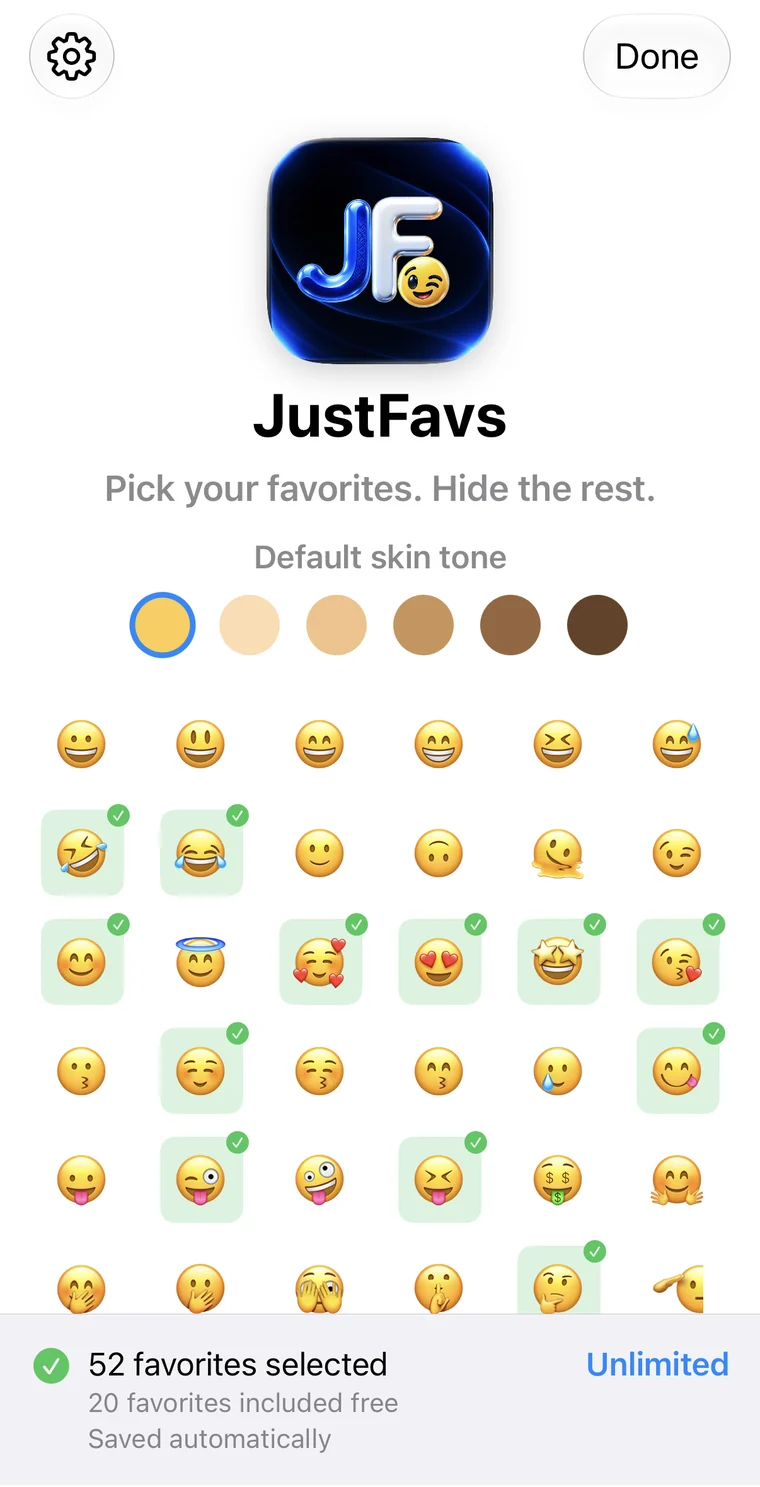

Choosing favorite emojis in the JustFavs app
02

Hidden.
Never deleted.

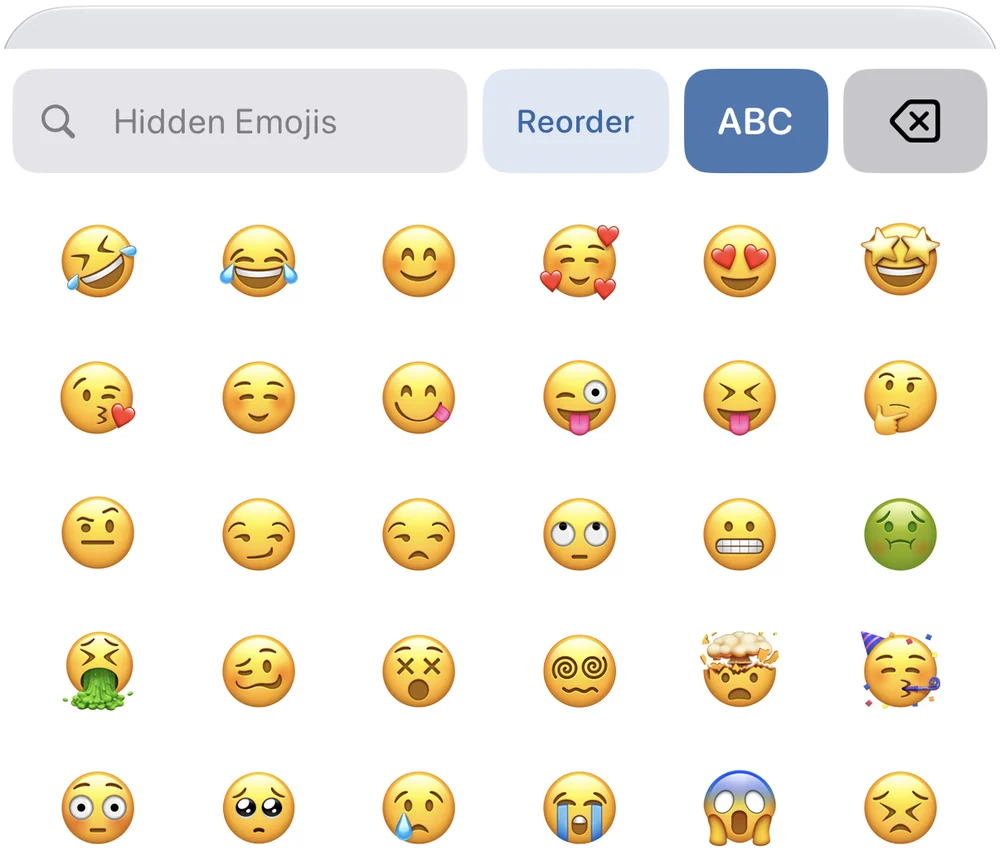
Need something you hid? Type a word like “hot” and find it in a second. Tap + and it’s a favorite.
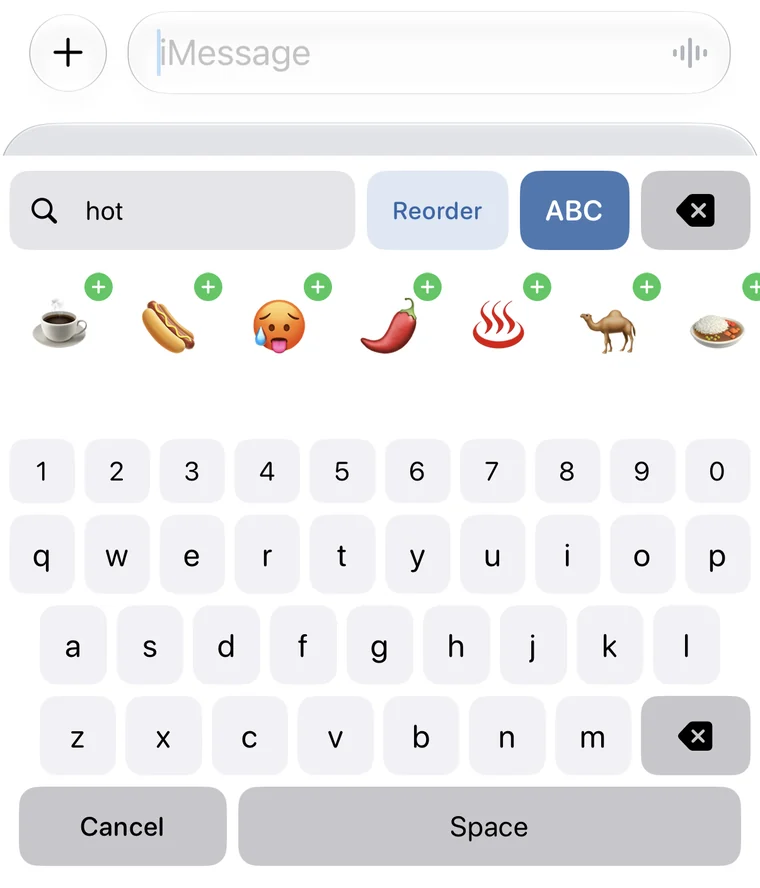
Searching hidden emojis for hot in the JustFavs keyboard
03

Your favorites.
Your order.

Drag them into place.
Your emojis, your way.
In every app you type in.
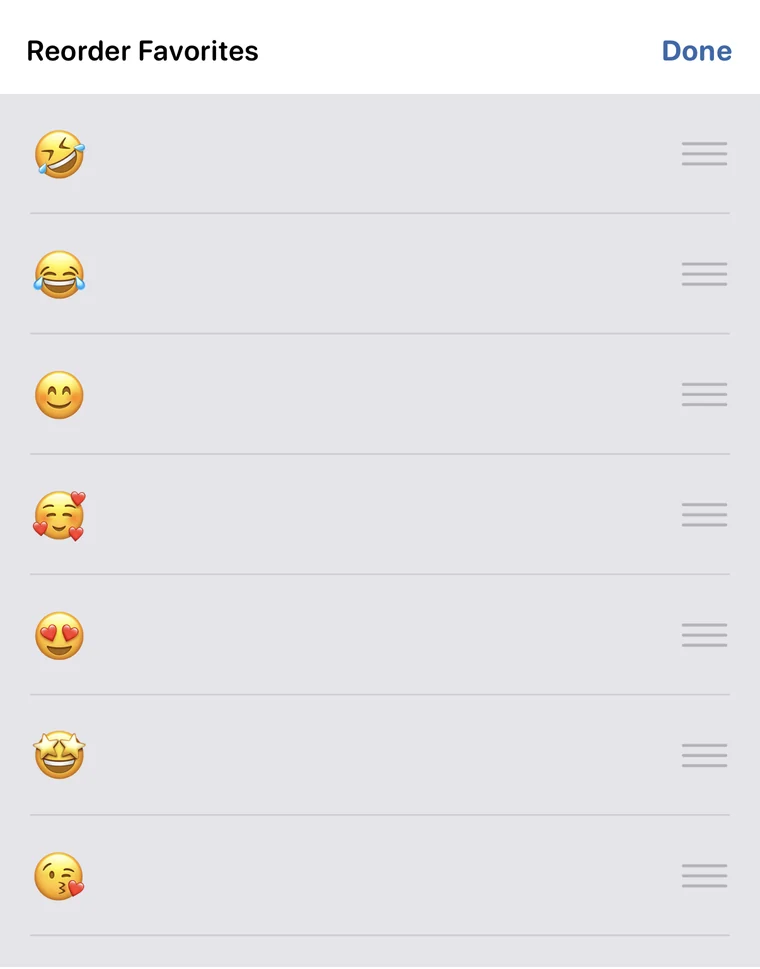
Reordering favorite emojis

And…

there’s one more thing.

JustFavs Keyboard app icon

Meet JustFavs Keyboard.

Everything you need. Nothing you don’t.
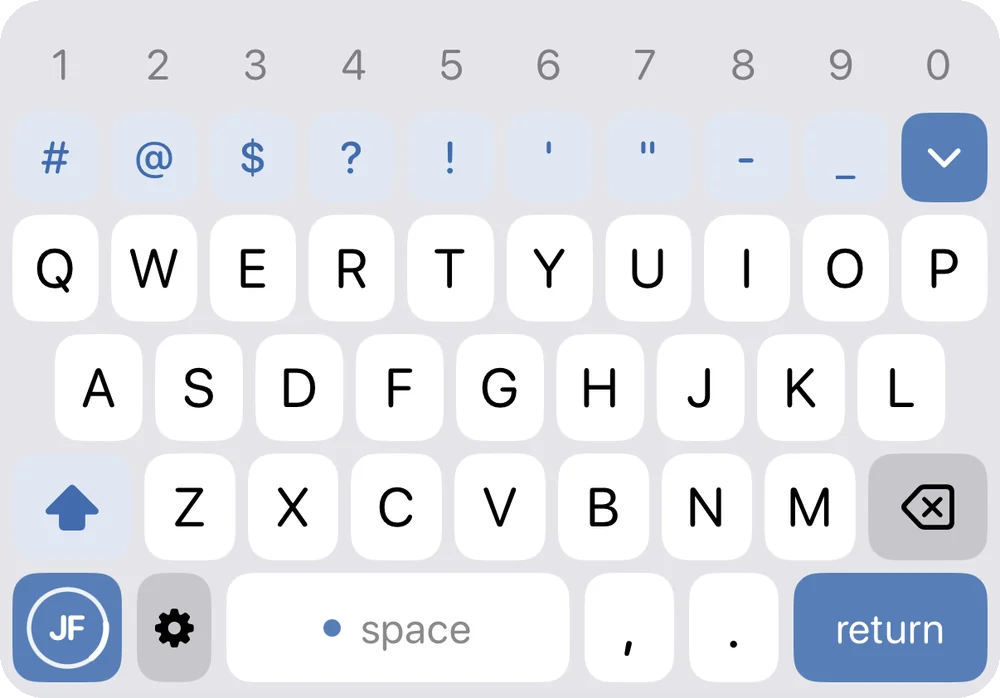
The JustFavs Keyboard

Everything you need.
Right there.

Numbers and your most-used symbols sit right above the letters. No digging, no switching pages.

Numbers and symbols above the letters

More symbols.
One tap away.

Tap the more symbols key and the rest open right where the letters were. Choose which symbols go where in the app.
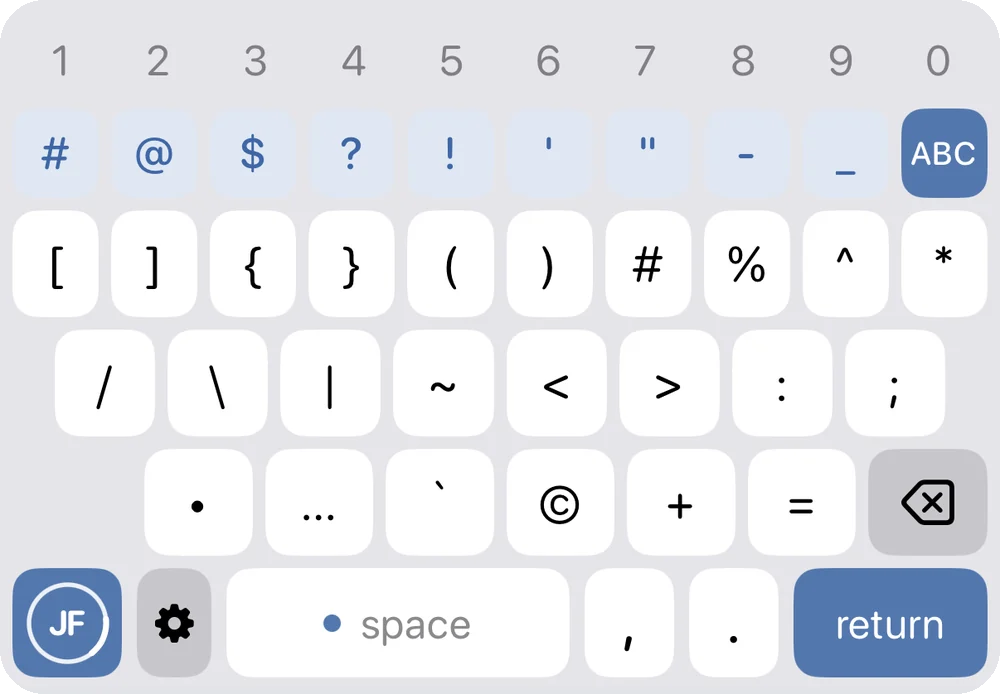
The full symbols panel

Your emojis.
Right here. 😉

JustFavs Emojis are built right in.
Tap the JF key for your favorites.
Search finds everything else.
Favorite emojis inside JustFavs Keyboard

Functionality.
Curated.

Fast editing, built in. Nothing to slow you down.

  • Swipe typingFast, natural typing.
  • Smart autocorrectHelpful. Not overbearing.
  • Personal dictionaryYour words. Your way.
  • Quick symbolsMore symbols, one tap away.
  • Slide to editMove your cursor with the space bar.
  • JustFavs built inYour emojis, one tap away.

Customization.
Curated.

Not 100 options. Just a select few.

  • Accent colorsA few great choices.
  • Keyboard appearanceClean. Personal. Simple.
  • Choose & Organize Your SymbolsEasy to customize right in JustFavs Keyboard.
  • Text replacementsType “omw”. Get “On my way!”
Also colors your swipe trail

No

  • GIFs
  • Stickers
  • Fonts
  • Web search
  • Videos
  • Maps
  • Games
  • News
  • Shopping

We left them out.
On purpose.

A keyboard. Not an app launcher.

“Focusing is about saying no.”
— Steve Jobs, WWDC 1997

No bloat. No gimmicks.

Just a beautifully simple keyboard that works.

JustFavs Emoji Keyboard

Just your emojis. Nothing else.
Use it alongside the keyboard you already love.

  • Free with 20 favorites.
  • Unlock unlimited favorites once.
  • No subscription.
Coming soon to the App Store

JustFavs Keyboard

A complete keyboard with your favorite emojis built in.

  • Try everything free for 7 days.
  • Unlock once, keep it forever.
  • No subscription.
  • Or keep a basic keyboard free.
Coming soon to the App Store

🤖 Android versions are on the way too.

Get launch updates.

We’ll email you when they’re ready. Nothing else.

I want updates about

No spam. Unsubscribe anytime. Privacy